

Any directory that contains anDocumentation Index
Fetch the complete documentation index at: https://docs.oxen.ai/llms.txt
Use this file to discover all available pages before exploring further.
oxen.toml with a valid [model] section becomes deployable from the Oxen.ai UI. Browse to the folder and a Deploy Model button appears alongside the file listing. Clicking it provisions a dedicated inference endpoint using the settings in oxen.toml.
Below is an example of the deploy model button:
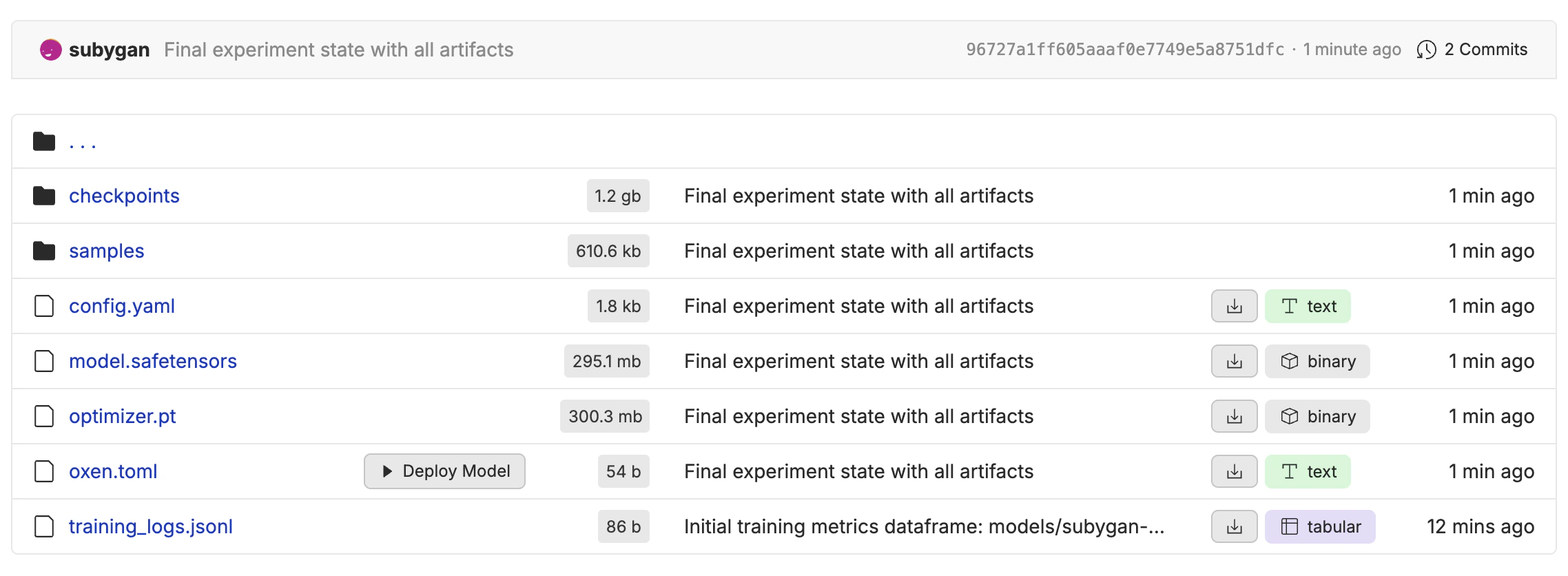
The oxen.toml file
Place the file at the root of the directory you want to deploy. Only one [model] section is required.
oxen.toml
| Field | Required | Description |
|---|---|---|
source | yes | The base model this directory was trained from. Accepts a HuggingFace ID (e.g. Qwen/Qwen3-8B) or an Oxen model name. |
type | yes | Either "lora" (LoRA adapter weights only) or "full" (full model weights). |
Examples
LoRA adapter
A directory containing LoRA weights trained on top of a supported base model:oxen.toml
Full fine-tune
A directory containing full model weights:oxen.toml
Image model
Thesource field works for any supported base model, including image and video models:
oxen.toml
The UI workflow
- Push a directory containing model weights and an
oxen.tomlto your repository. - Navigate to that directory in the Oxen.ai UI.
- Click Deploy Model. Oxen.ai reads
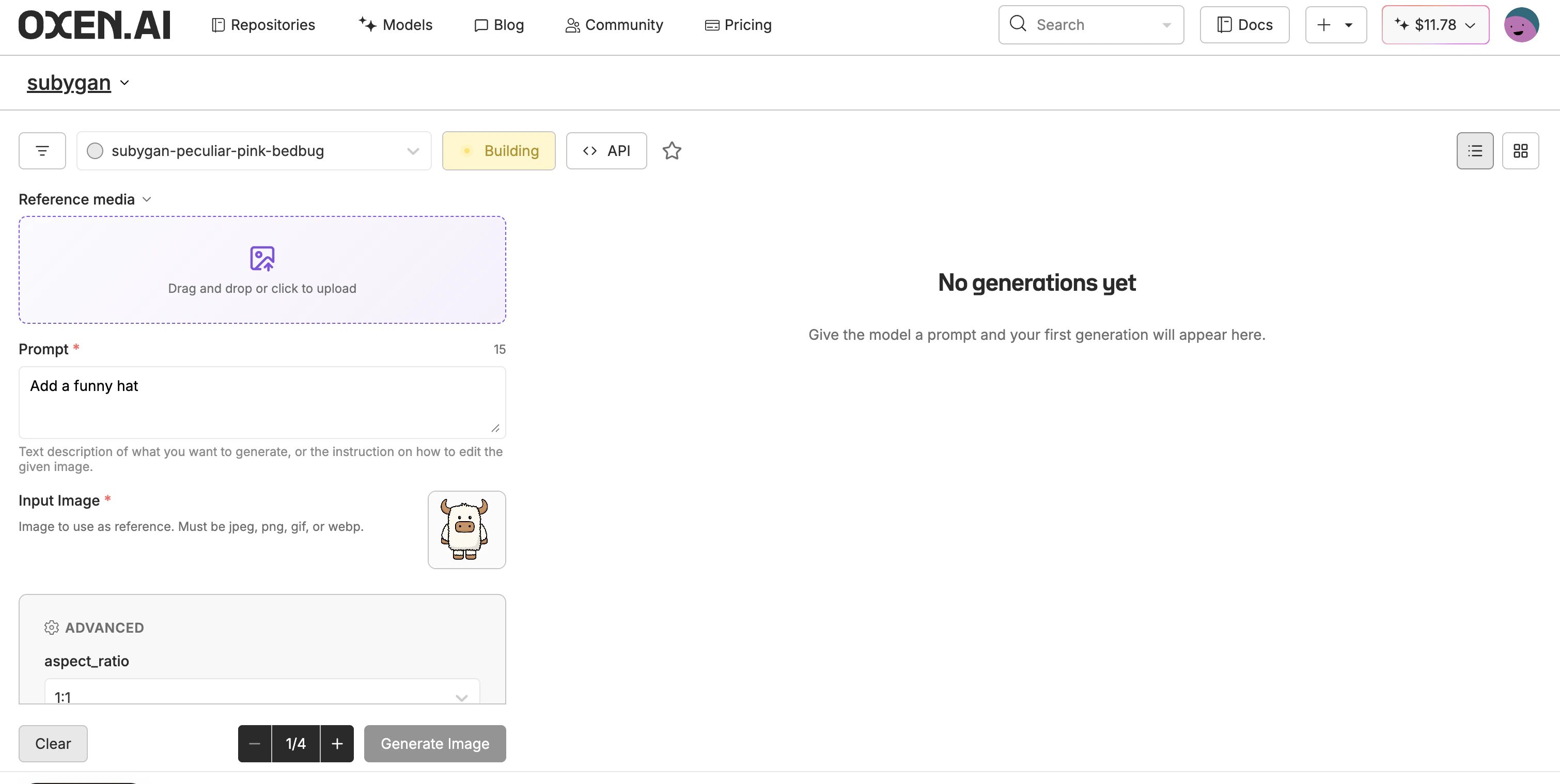
oxen.toml, resolves the base model, and spins up a dedicated endpoint. - Once the deployment is live, use the returned model name with the Inference API or the in-browser playground.
Common errors
| Message | Cause |
|---|---|
oxen.toml not found at <path>/oxen.toml | No oxen.toml in the directory you’re trying to deploy. |
oxen.toml must contain a [model] section | File parsed but the top-level [model] table is missing. |
oxen.toml missing required field: model.source | source is not set. |
oxen.toml model.type must be "lora" or "full" | type is set to something other than "lora" or "full". |
Source model not found: <source> | The source doesn’t match any HuggingFace ID or Oxen model name Oxen.ai currently supports. Contact hello@oxen.ai to request support for a new base model. |