

Documentation Index
Fetch the complete documentation index at: https://docs.oxen.ai/llms.txt
Use this file to discover all available pages before exploring further.
Setup User
To use Oxen, you’ll need to set up a local Oxen username and email. This is what will show up inoxen log or in the OxenHub dashboard for who changed what.
~/.config/oxen/user_config.toml for future use.
Auth Tokens
Pushing data or cloning private repositories requires a valid API Key. You can obtain one by creating an account on and going to your profile.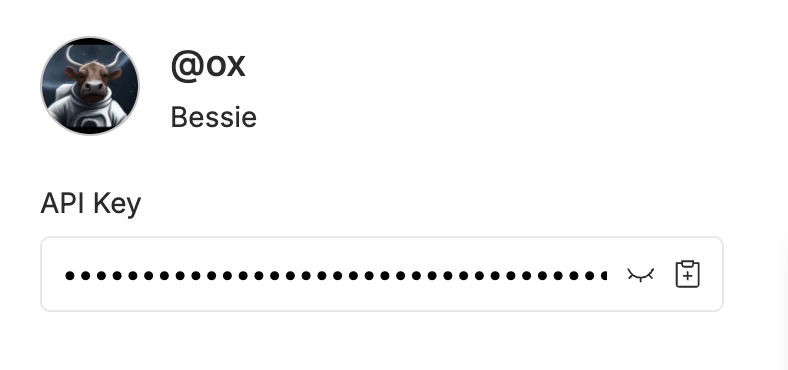
oxen config --auth.
~/.config/oxen/auth_config.toml.
To push or access repositories on Oxen.ai, set the host as hub.oxen.ai. If you set up your own oxen-server, you can generate custom auth tokens there.